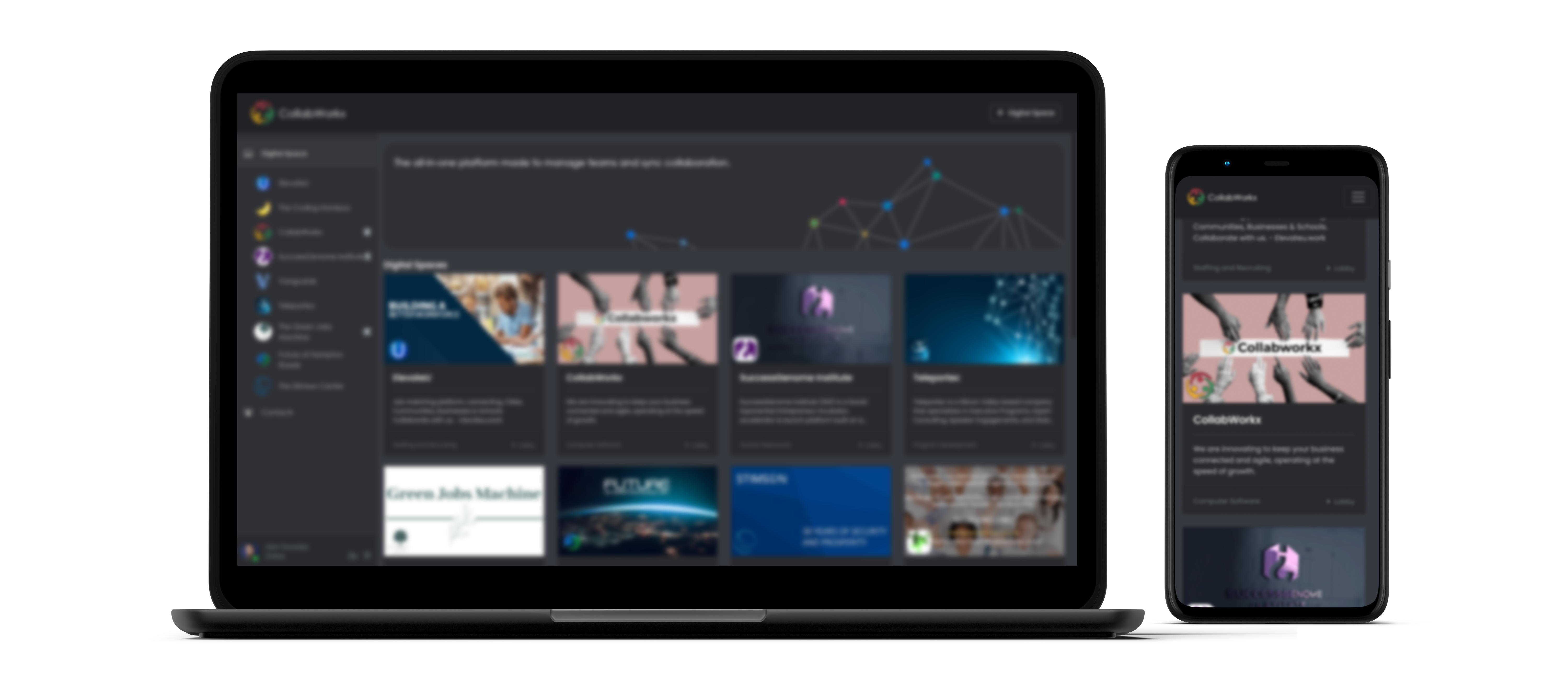
CollabWorkx Cloud Suite brings files, documents, workflows, collaboration, sharing, and security into one centralized workspace—so work moves forward without version confusion, disconnected tools, or fragmented processes.
Work together on files and documents from anywhere in the world.
Keep changes organized and maintain a clear history of your work.
Start quickly from a library of 142 workflow diagrams and templates.
Open and work in office documents directly inside CollabWorkx on any device.
Protect files or folders with passwords, expiration dates, and controlled links.
Send folder links that let customers, partners, or teams securely submit documents.
Organize documents, folders, recordings, diagrams, and shared assets in one central location. Quickly see what is shared, when it changed, and where it belongs.
| Name | Sharing | Size | Modified |
|---|---|---|---|
Executive Project Brief.odt |
18 KB | a year ago | |
Operations Forecast.ods |
7 KB | 7 months ago | |
Security & Compliance Review.pdf |
4.8 MB | a year ago | |
Team Collaboration Session.mp4 |
988 KB | a year ago | |
Customer Onboarding Workflow.drawio |
0 KB | 5 months ago | |
Brand & Marketing Assets |
— | 2 months ago | |
Board Meeting Notes.odt |
26 KB | 3 weeks ago | |
Approval & Review Workflow.drawio |
14 KB | 2 weeks ago | |
Vendor Document Package.pdf |
2.1 MB | 5 days ago |
Cloud Suite connects every stage of document work so teams can create, collaborate, control, share, and retain information through one continuous workflow.
Start from a document, spreadsheet, folder, or workflow template.
Edit and work together in real time from any location or device.
Track versions, changes, permissions, and file history.
Use secure links, passwords, expiration dates, and external access.
Keep privacy, security, compliance, and governance connected to the work.
Accelerate common processes with a ready-to-use library of workflow diagrams that help teams move from idea to execution faster.
Open, edit, and work in office documents directly inside CollabWorkx, helping reduce application switching and keep work centralized.
Maintain a clear version history so teams know what changed, when it changed, and which document is current.
Create external file or folder links protected by passwords when sensitive information needs an additional access control layer.
Set an expiration date on shared files or folders so external access automatically ends when the business need is complete.
Send a secure folder link to customers, vendors, or partners and let them submit documents directly into the right workspace.
Instead of treating security as a separate layer, CollabWorkx Cloud Suite brings access control, secure sharing, file governance, and collaboration together in the same platform where the work happens.
Bring your files, people, documents, workflows, and controls together in one CollabWorkx Cloud Suite.